Launch Minecraft RTX
Starts the game with ray tracing already on and VSync off, working around MCPE-191513, MCPE-152158 and MCPE-121850. Which settings it writes is up to you.

Everything you need to play Minecraft with ray tracing at its best, in one place.
Install and update the Vanilla RTX packs, give ordinary texture packs RTX support with RTX Reactor, tune any ray-traced pack to your taste, manage BetterRTX presets, swap DLSS versions, and launch the game with ray tracing already switched on.
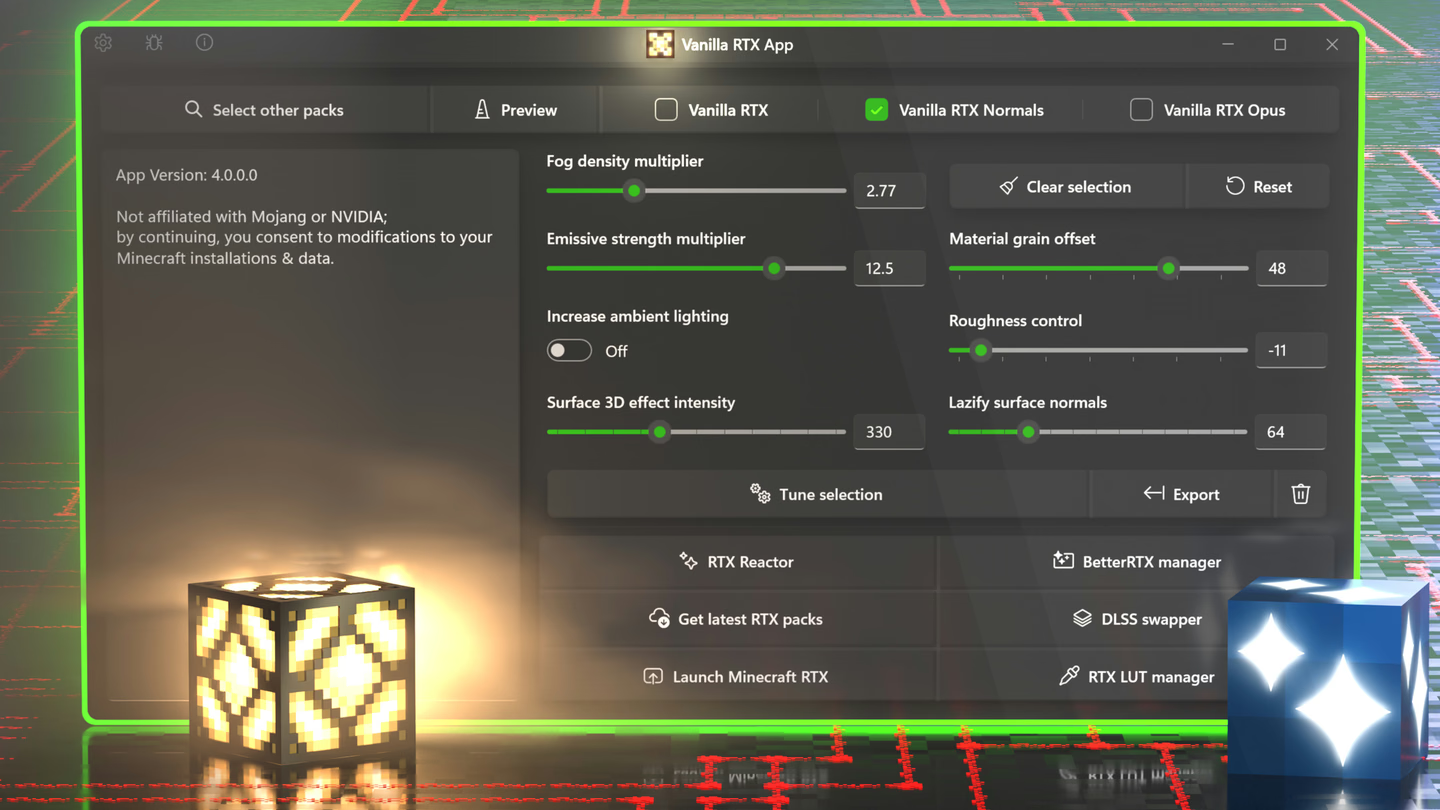
Get it free from the Microsoft Store.
Open Get latest RTX packs and Install Vanilla RTX or a variant.
Click Launch Minecraft RTX. The app sets everything up first.
In Minecraft: Settings → Global Resources, activate the pack.
Enter any world. That's it.
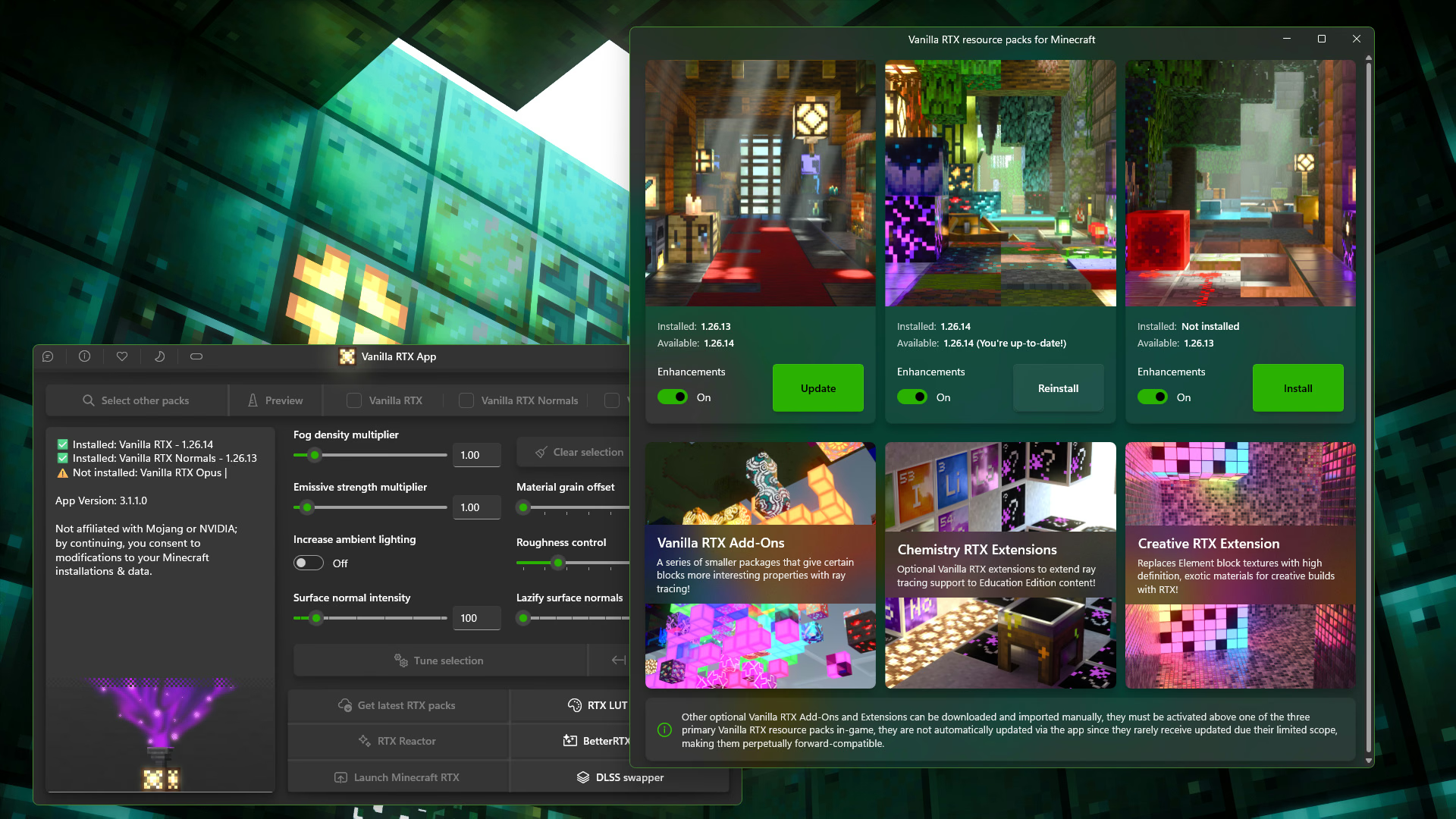
Installs, updates and reinstalls all three Vanilla RTX packs, delivered straight from the Vanilla RTX repository. Each pack shows the version installed and the version available, with one button that knows whether to Install, Update or Reinstall.
The Enhancements toggle adds fixes for many rendering errors and incompatibilities with ray tracing. Downloads are cached, so reinstalling is instant until a newer version comes out.
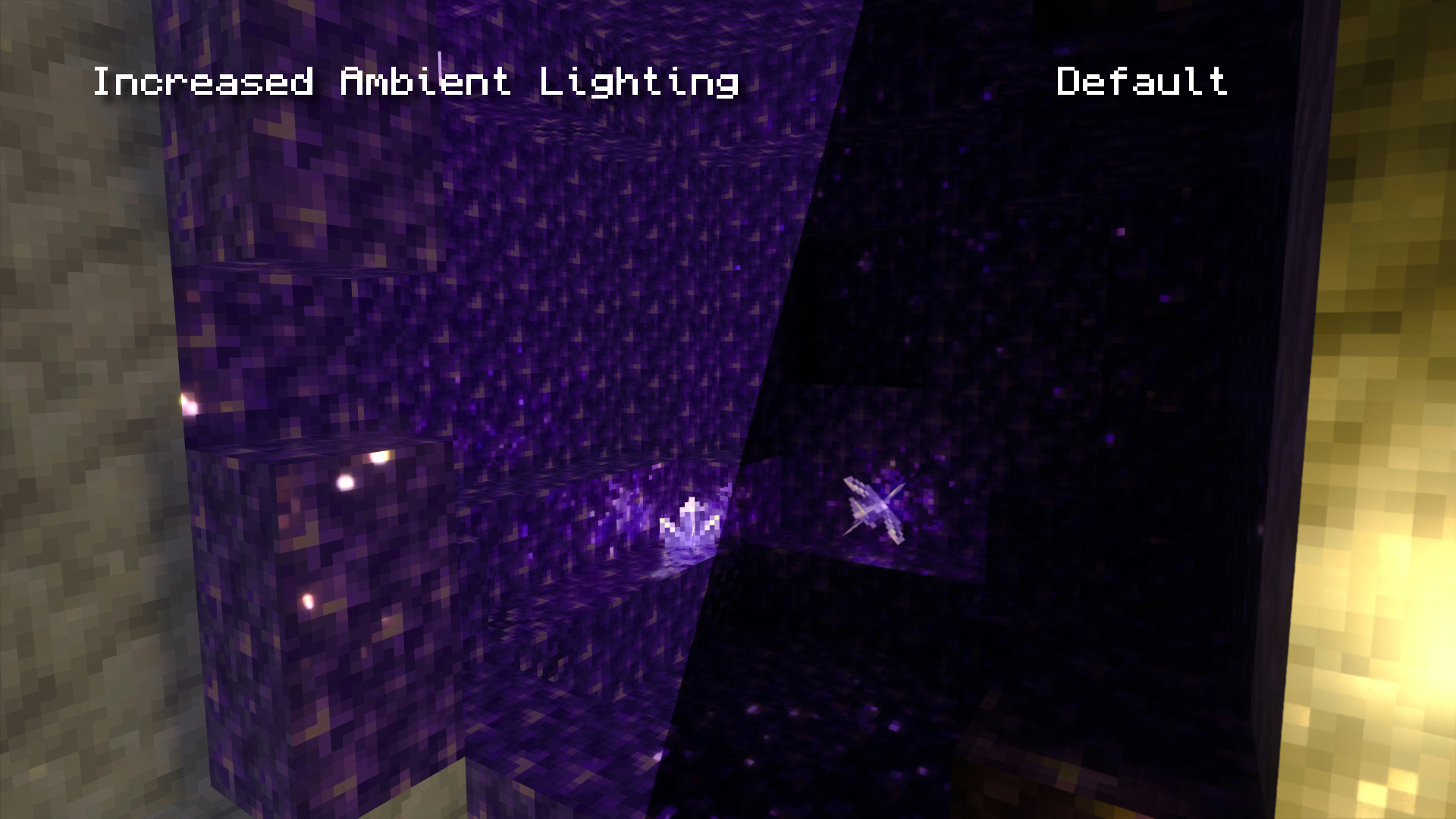
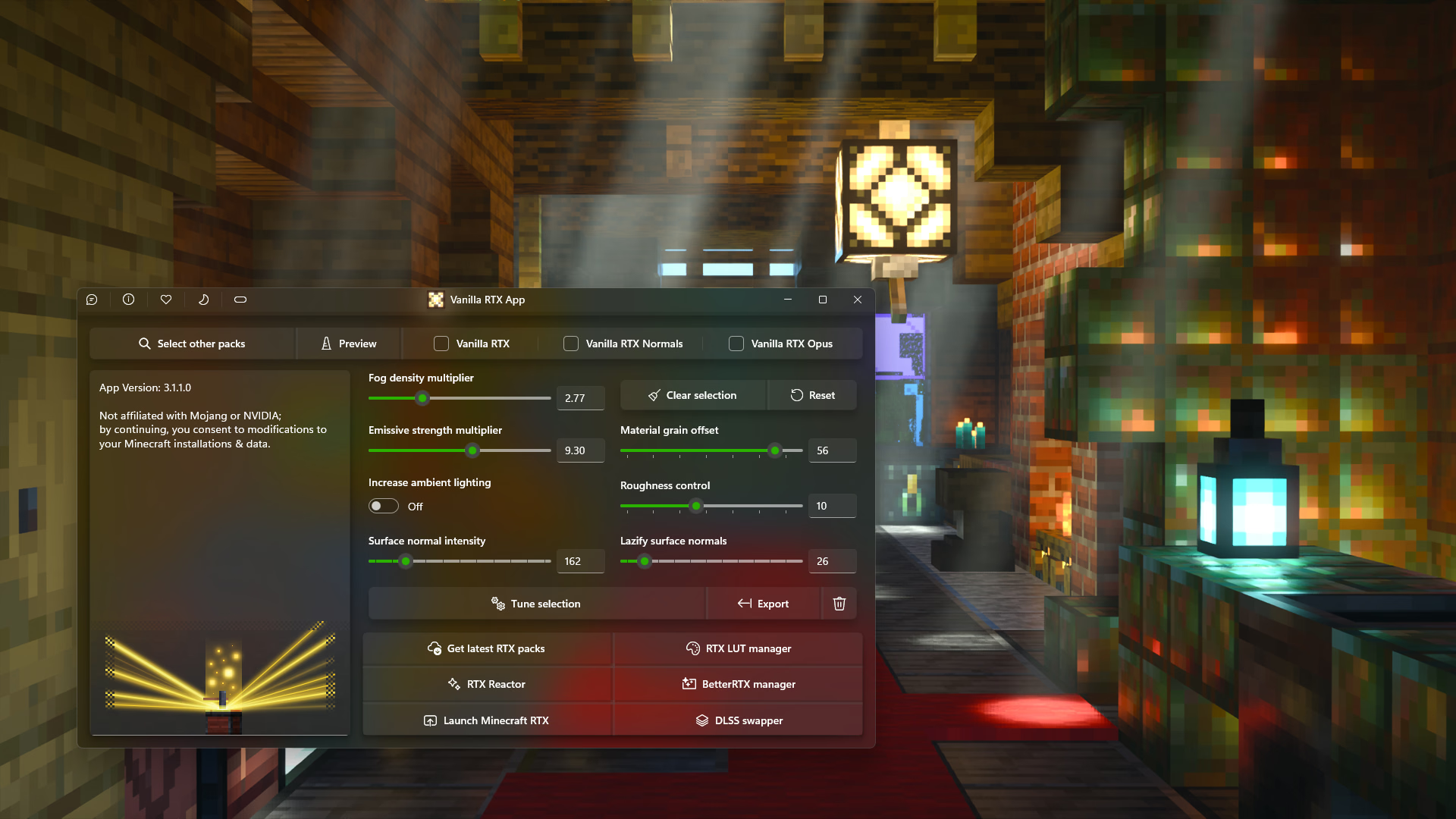
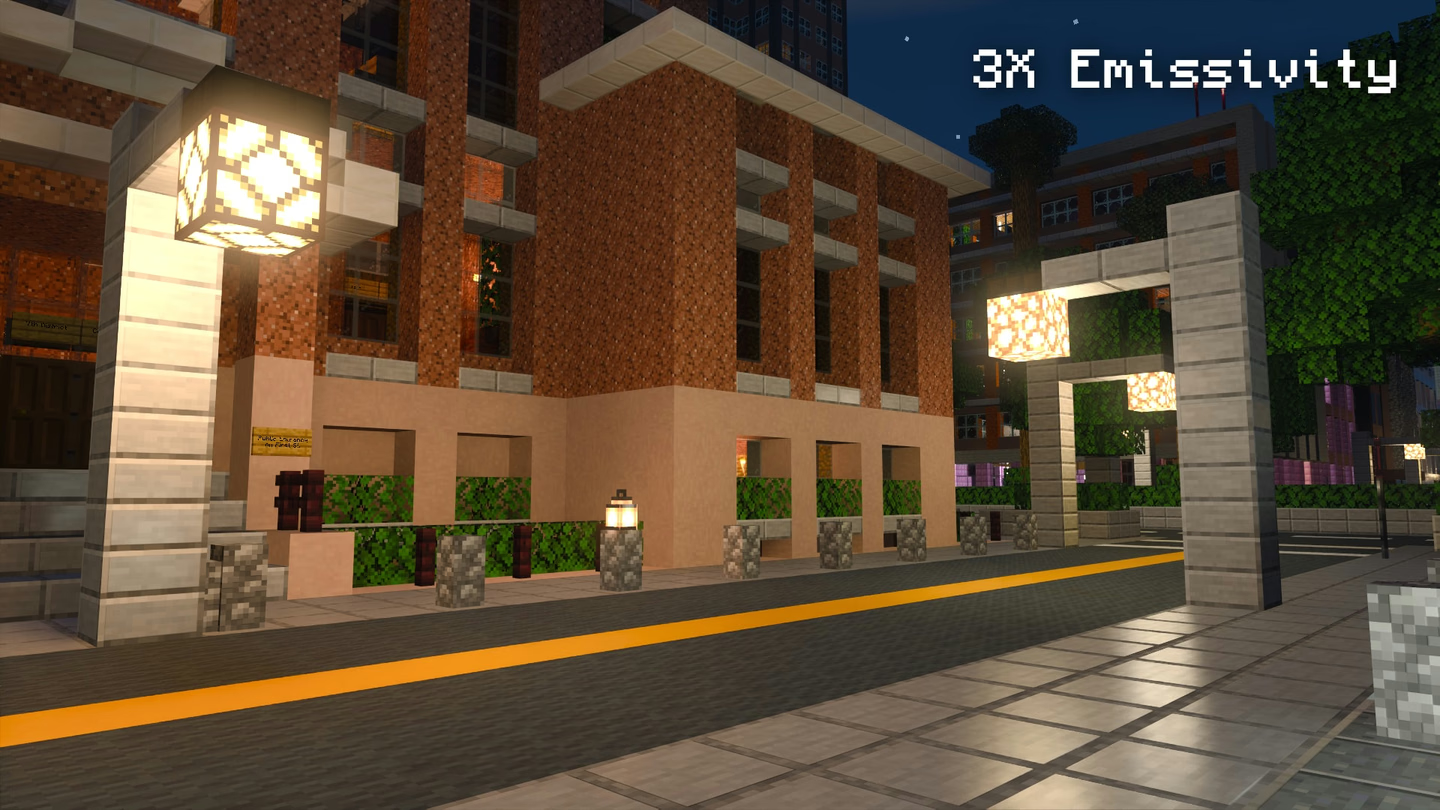
Adjust fog density, emissive strength, ambient lighting, surface depth, material grain, roughness and more. Every option keeps a texture's original composition intact, nudging a pack toward your taste rather than wrecking its look.
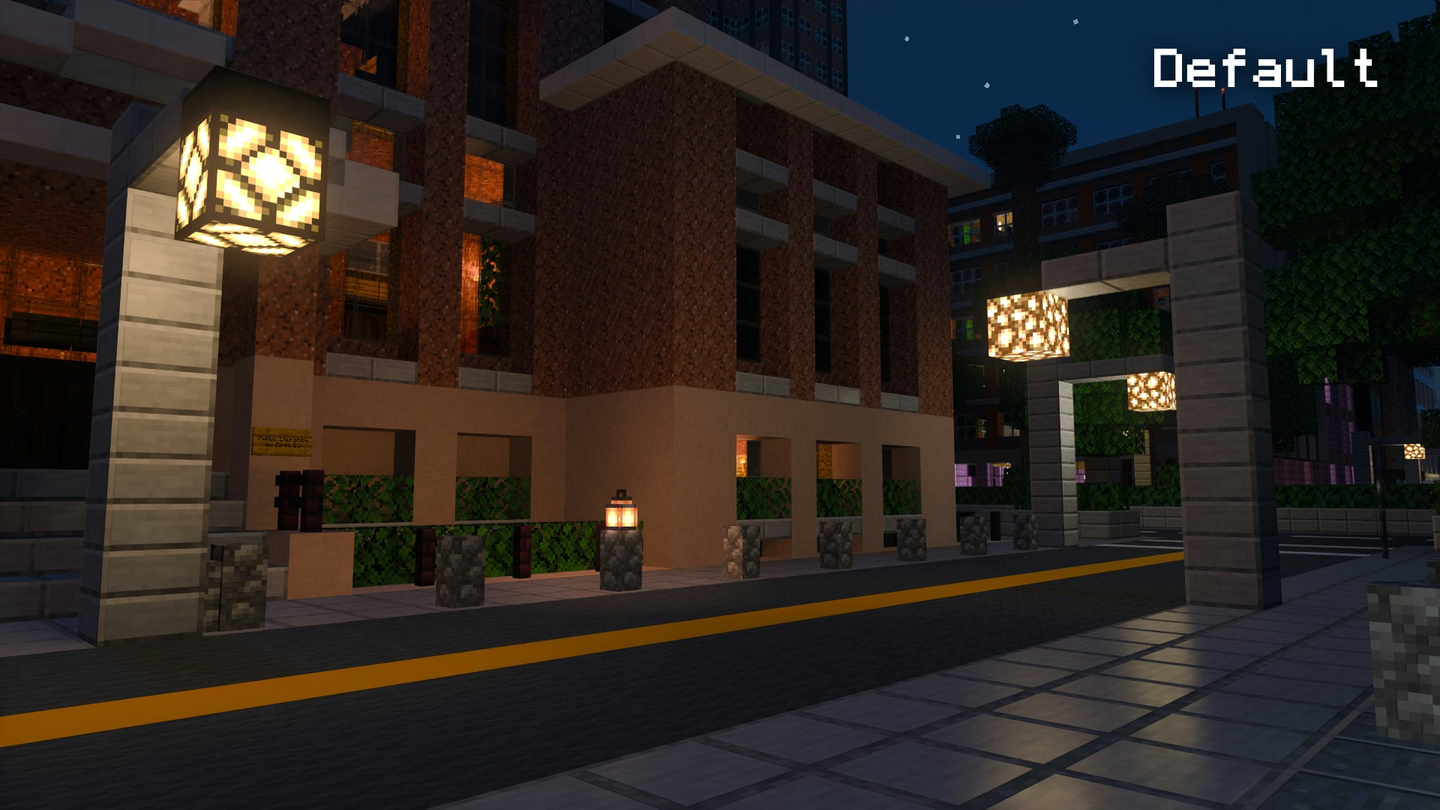
It works on Vanilla RTX and on any other RTX or Vibrant Visuals pack. Drag across the image: the same street, with emissive strength tuned to 3x.
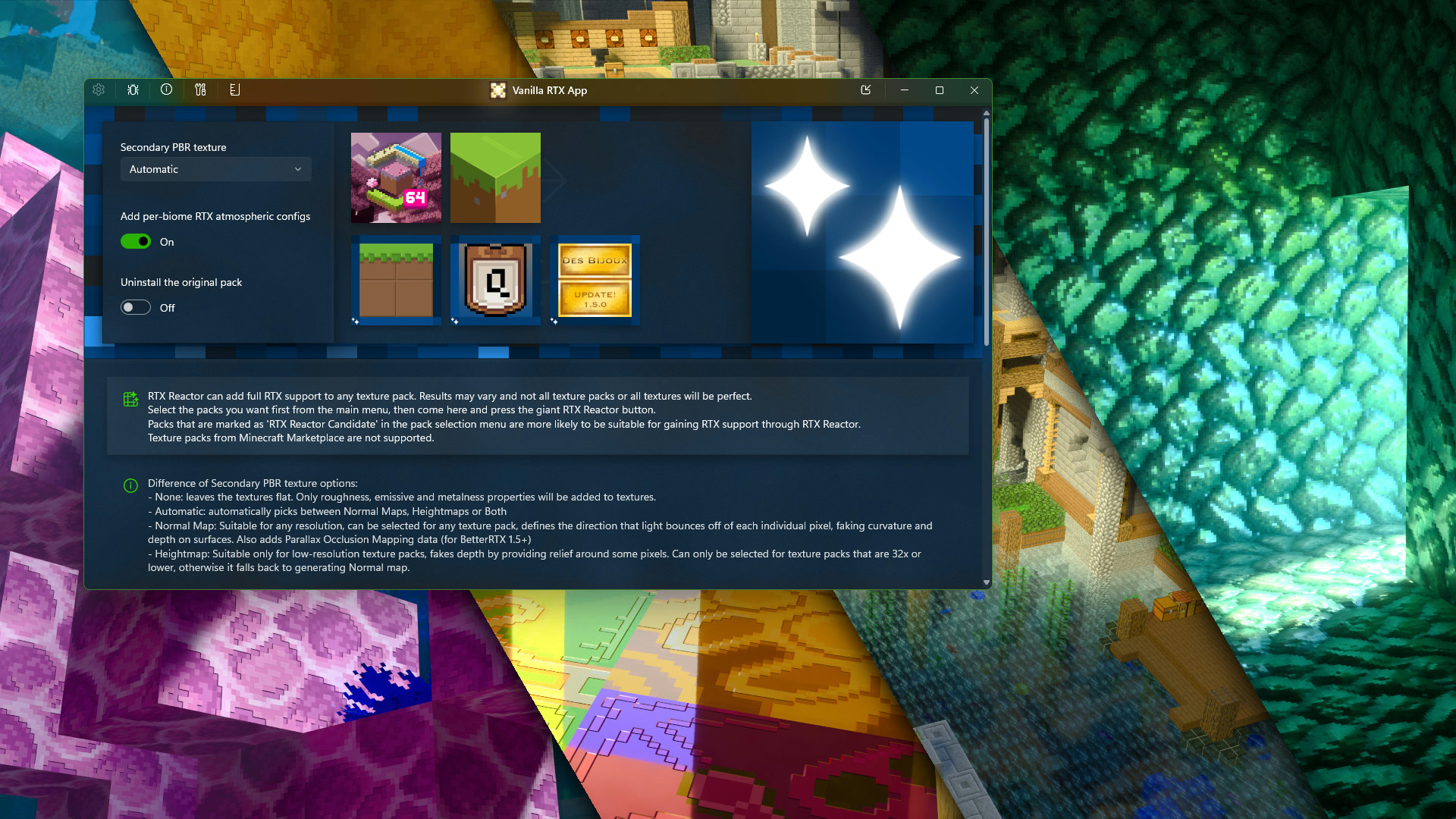
RTX Reactor gives ordinary texture packs RTX support. It generates a full set of materials, how metallic, emissive and rough each surface is, plus normal maps or heightmaps for depth, along with water and translucency adjustments and optional atmospheric fog.
After more than three years of development as a premium project, it is now part of the app and free to use. Your original pack is never touched: the result is installed beside it as a new - RTX pack.
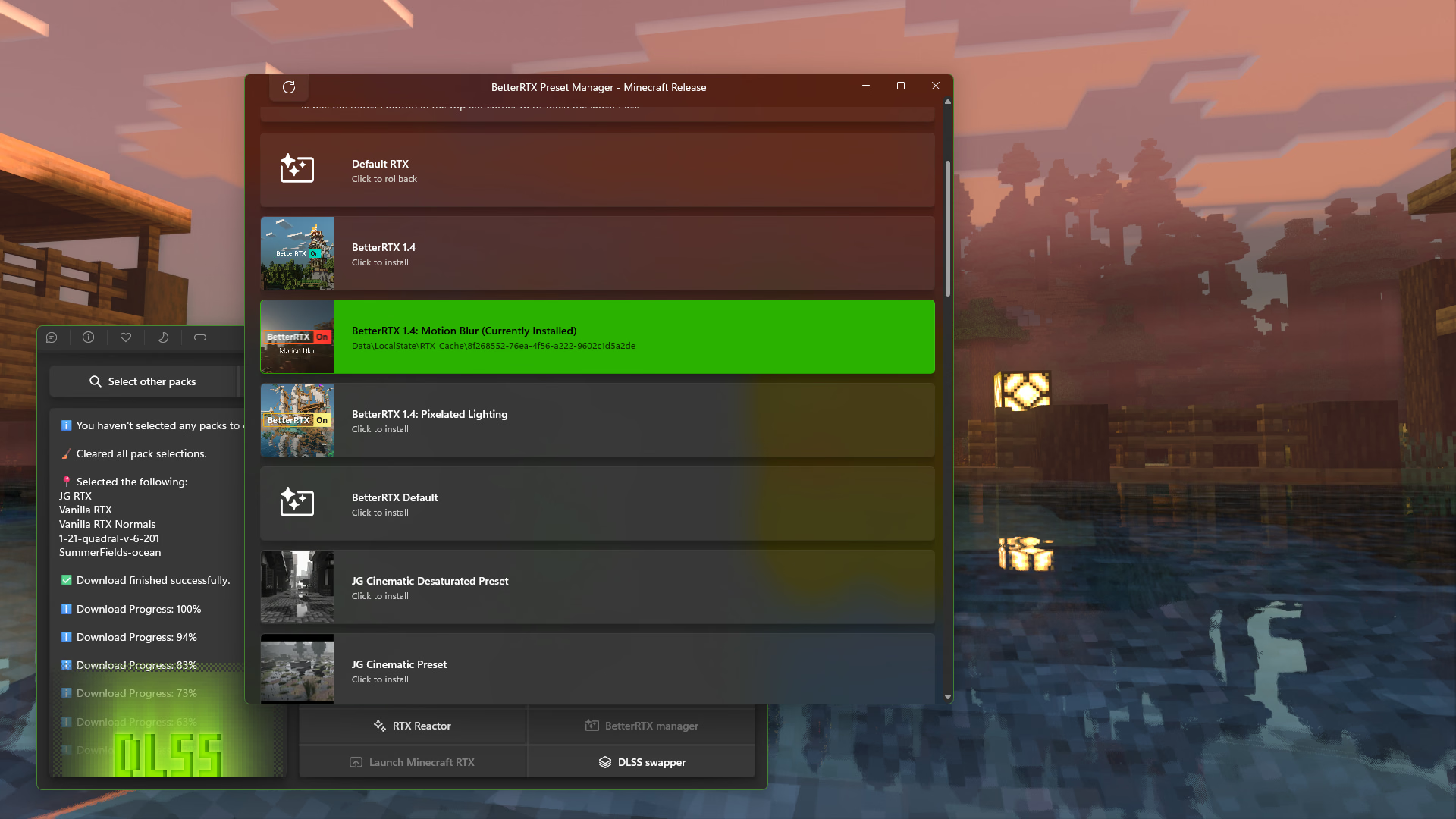
Install BetterRTX presets with one click, and roll back to your game's own shaders whenever you like. Swap the DLSS version Minecraft uses, or give RTX a whole new mood with the RTX LUT manager: from the Gamescom 2019 demo look to inverted day-night cycles.
Every feature that touches your game's files keeps a backup of the originals, and knows to refresh it when Minecraft updates.
Starts the game with ray tracing already on and VSync off, working around MCPE-191513, MCPE-152158 and MCPE-121850. Which settings it writes is up to you.
Drop in .mcpack, .zip, .mcaddon or whole folders. Behavior packs are recognized and installed where the game expects them.
Type vanillartx into Win+R, or make desktop shortcuts that open any screen of the app, or launch the game with your settings directly.
Removes every hurdle for new players, and every bit of friction for experienced ones.