


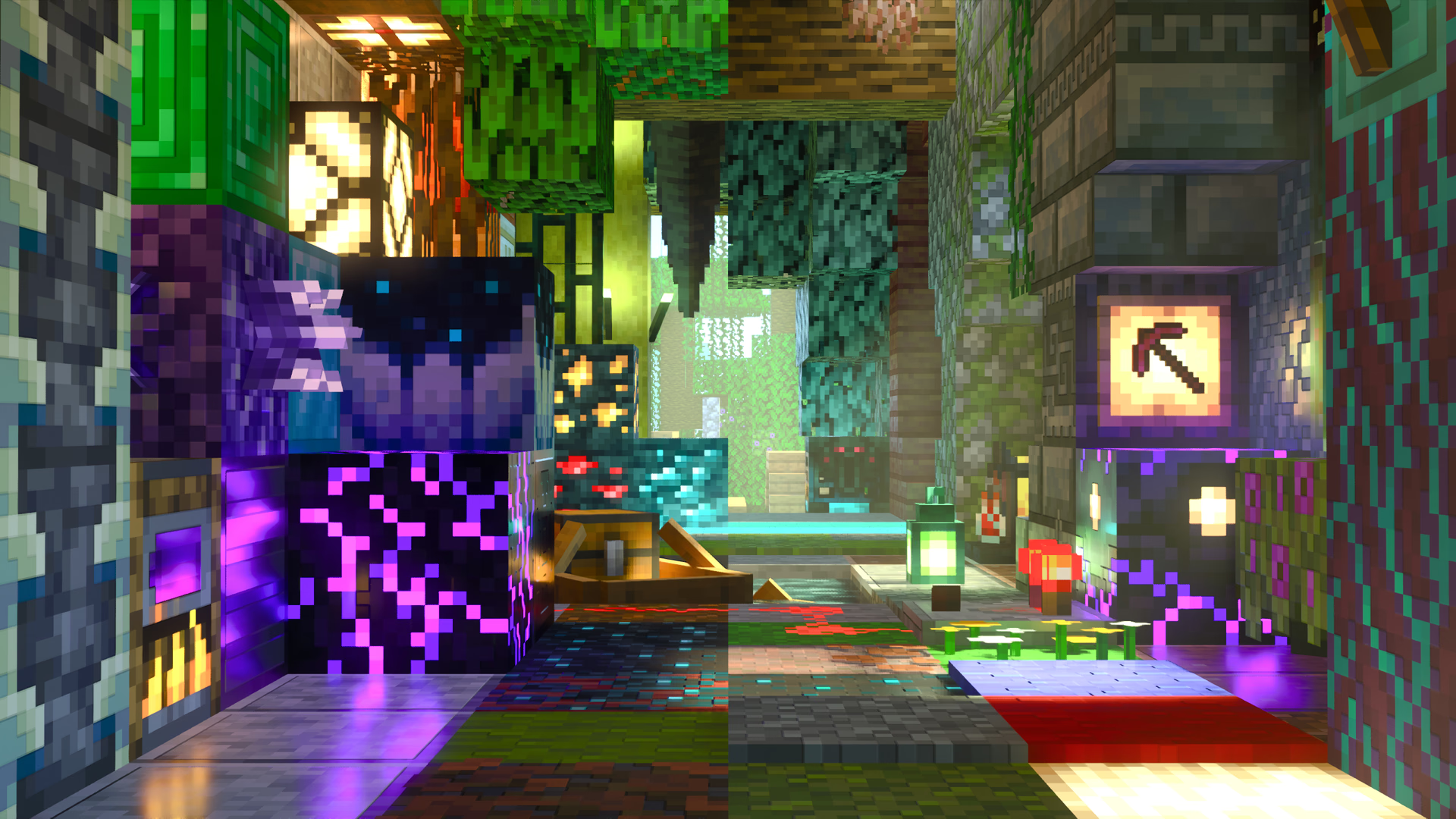

One vision for ray-traced Minecraft
It is all built around one question: what if ray tracing came with a fully realized default resource pack, made for it from the ground up?
Vanilla RTX answers it for every block in the game. The Vanilla RTX App makes it effortless to install, update and tune, enables ray tracing without the usual hurdles, and with RTX Reactor turns ordinary texture packs into ray-tracing-compatible ones. Add-ons, extensions and open-source tools fill in the rest, and Supervanilla RTX takes it all to the next level.
Everything here is free, and made for every Bedrock Edition player.
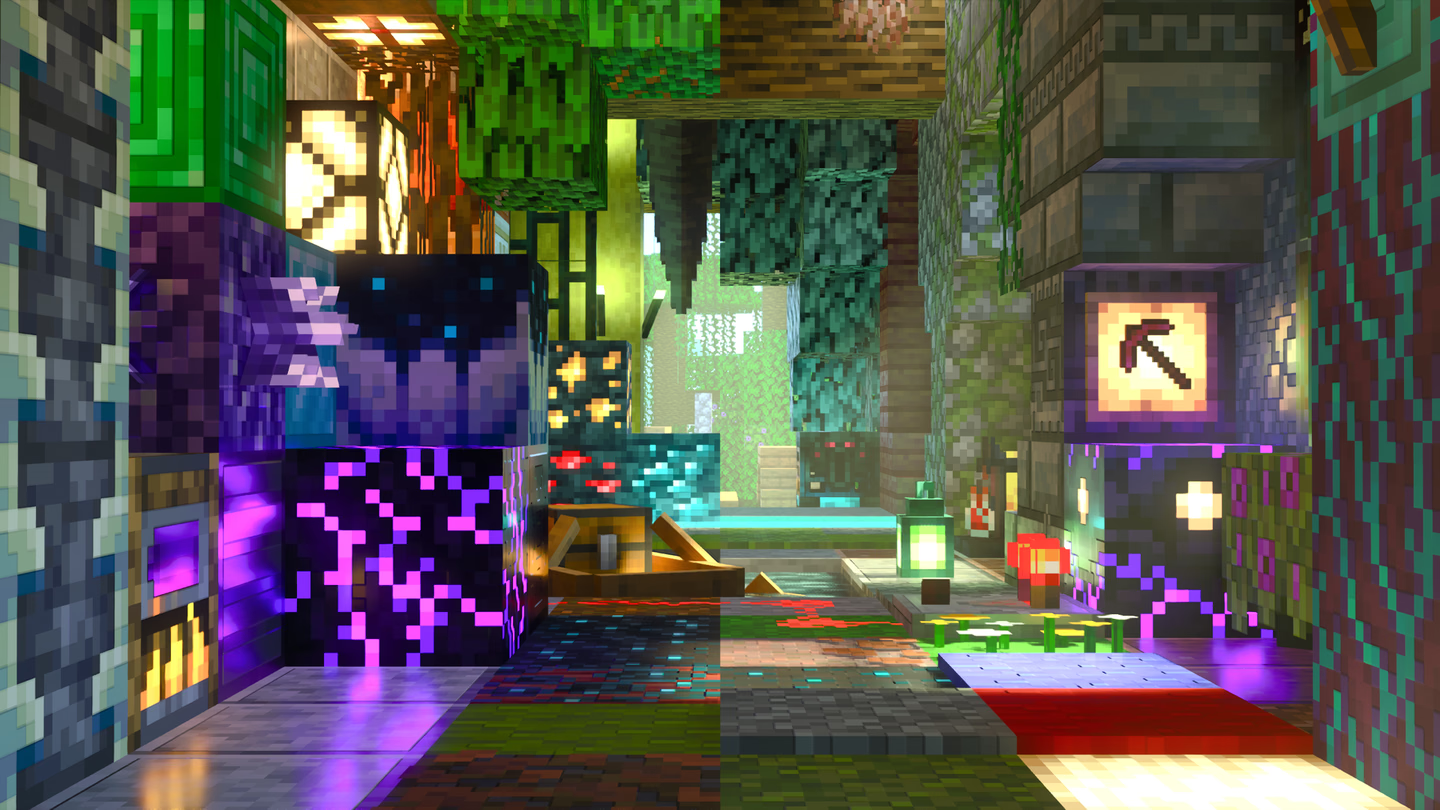
Vanilla RTX
The default ray-traced look for every block in Bedrock Edition, faithful to the original art. Comes in three variants: Vanilla RTX, Normals and Opus.
Explore the packs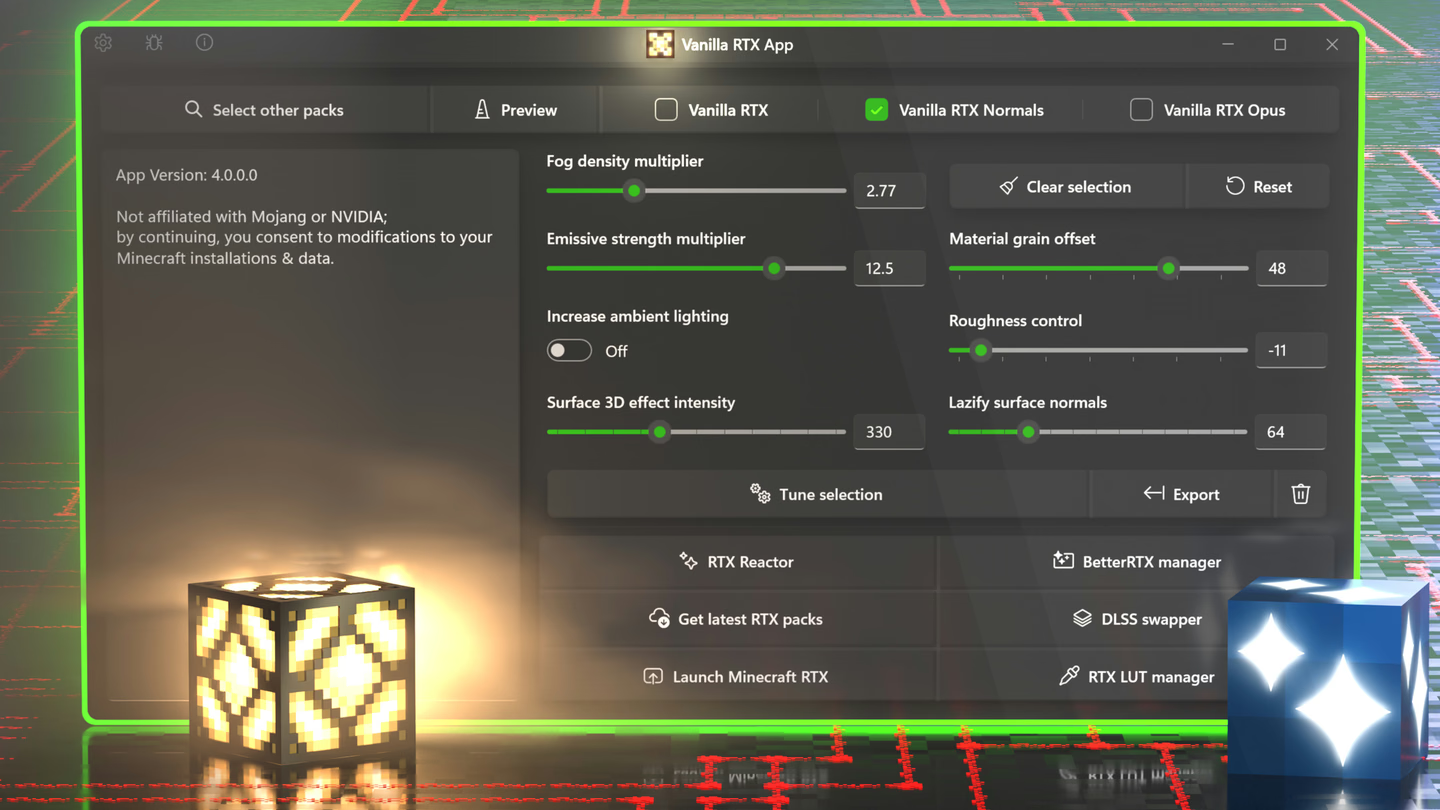
Vanilla RTX App
Install and update the packs, tune fog, lighting and materials, convert any texture pack with RTX Reactor, manage BetterRTX and DLSS, and launch with ray tracing on.
Meet the app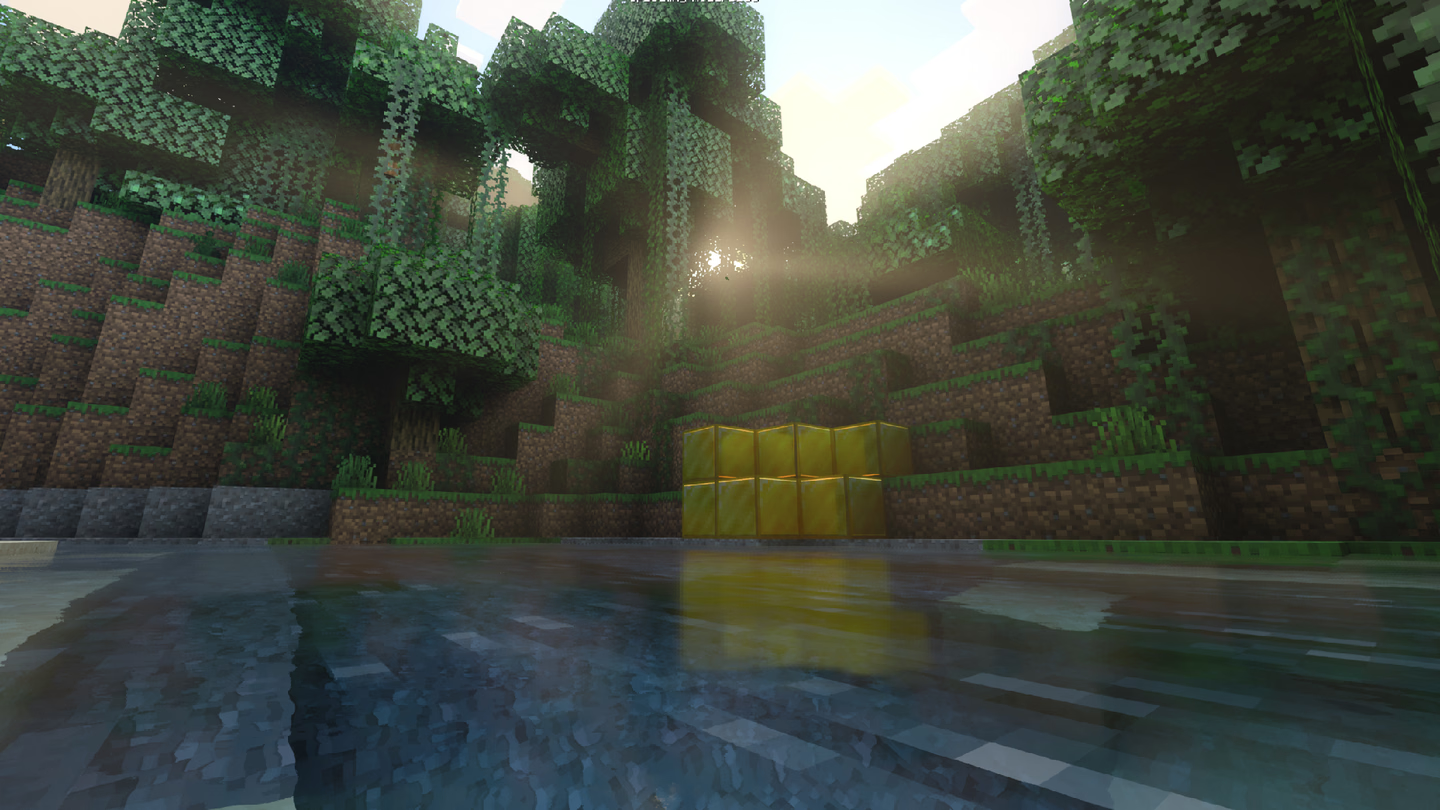
Supervanilla RTX (COMING SOON!)
Next-gen shader mod for Minecraft RTX that takes the Vanilla RTX look further than resource packs alone can go.
Extras
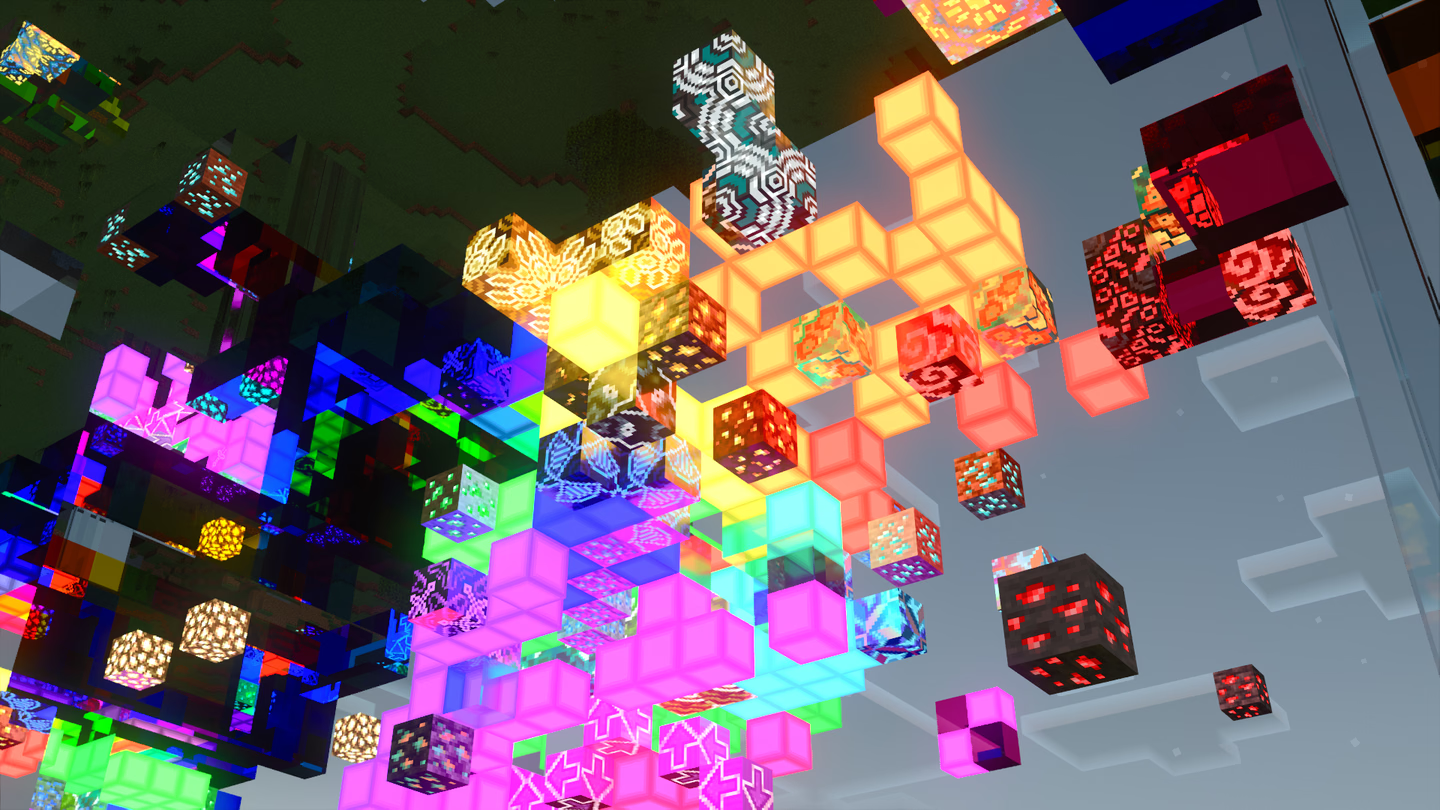
Add-Ons, Chemistry RTX, Creative RTX, Everwinter and more.
See extras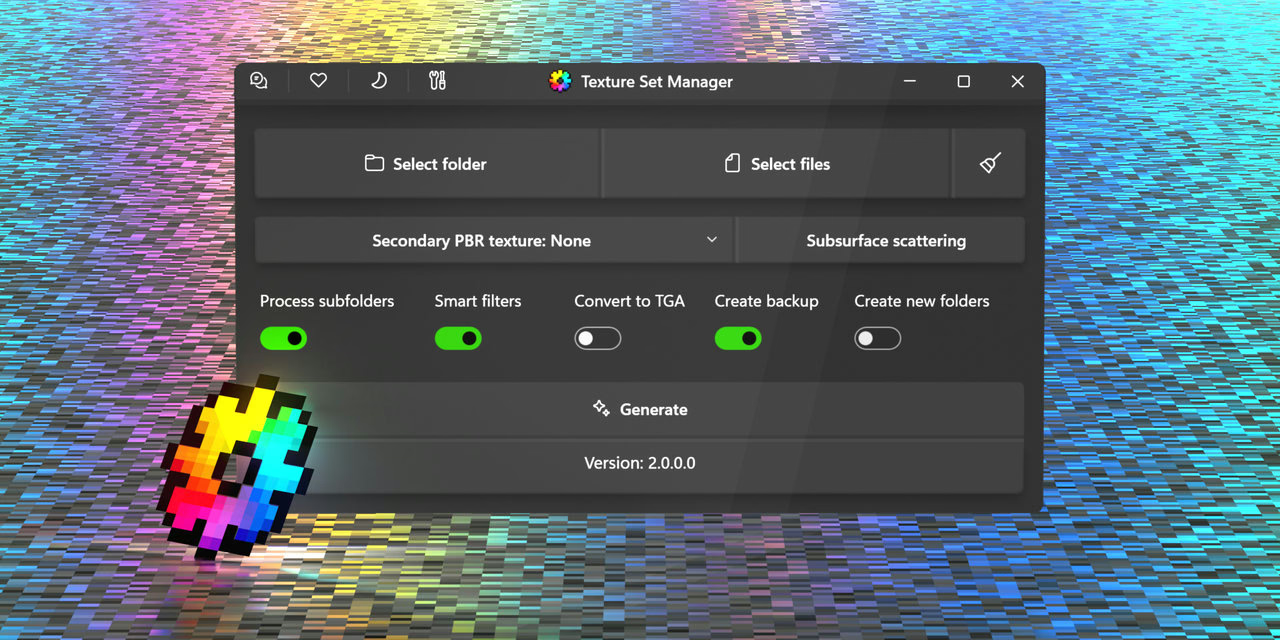
Tools
Texture Set Manager, BrArchive.Net and the Minecraft RTX bug tracker.
Browse tools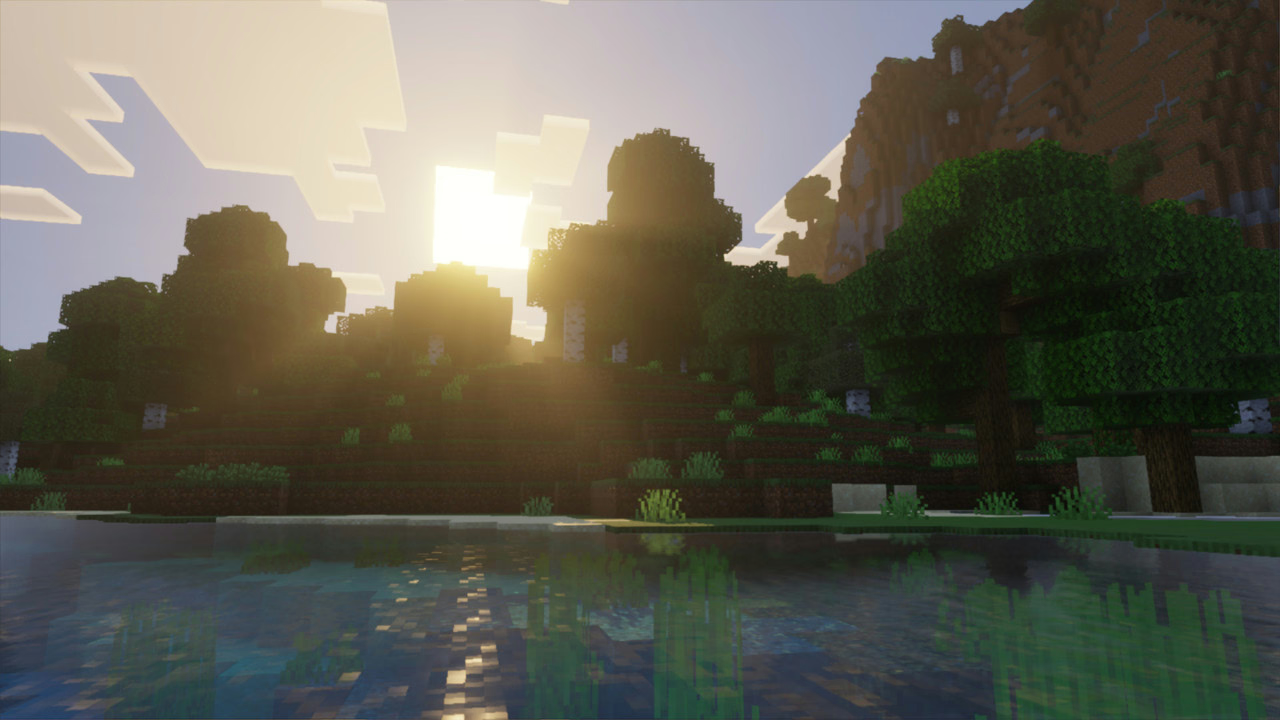
Vibrant Visuals
A branch of Vanilla RTX made fully compatible with Vibrant Visuals.
Download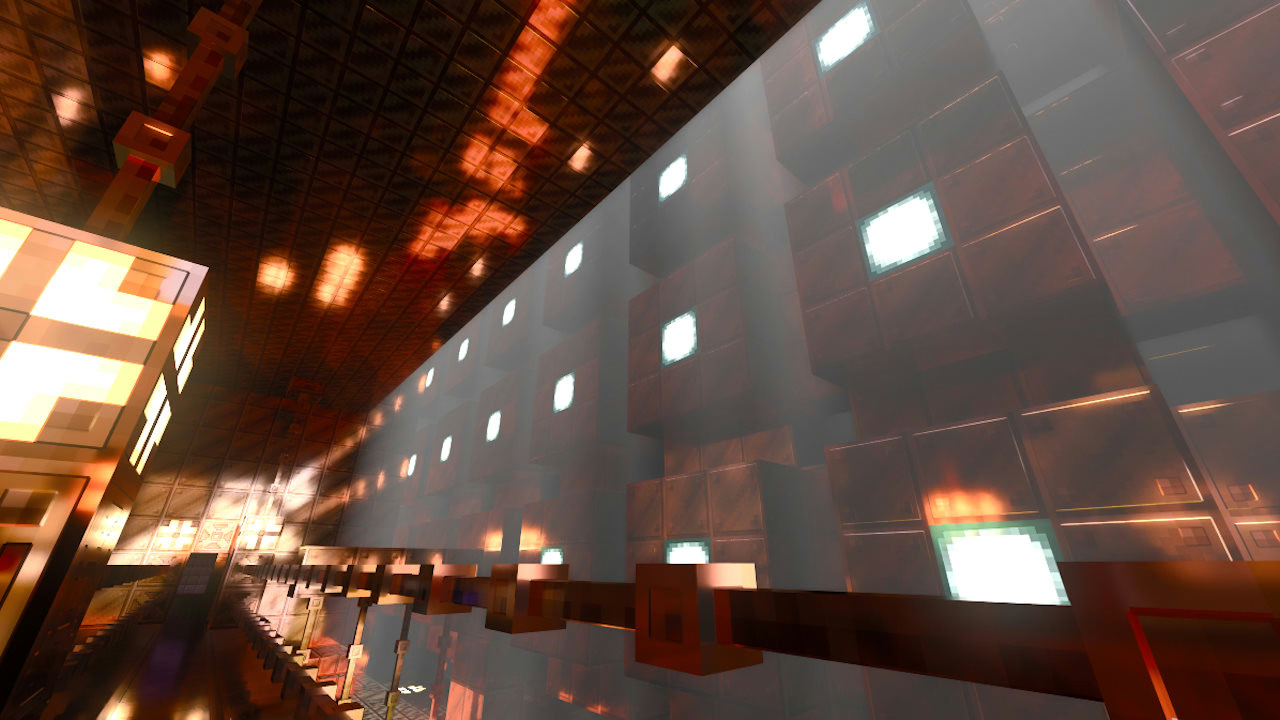
Gallery
Showcases by me and the Minecraft RTX community.
Open the galleryQuestions & answers
What is Vanilla RTX? Is it an official Minecraft resource pack?
One question defines and guides the spirit of this project:
What if ray tracing came with a fully realized default resource pack built specifically for it?
Vanilla RTX is not an official work from Mojang or NVIDIA, but it sets out to be the answer to that question, through a continued effort to give it the care and attention a hypothetical native ray tracing pack would deserve.
The goals are to give each block its own character with ray tracing features, resolve as many compatibility errors as possible, keep the latest additions working with RTX, and ultimately bring a proper art direction to vanilla ray-traced Minecraft.
How do I install Vanilla RTX and turn ray tracing on?
- Make sure your system meets the hardware requirements and your graphics drivers are up to date.
- Install the Vanilla RTX App from the Microsoft Store.
- In the app, open Get latest RTX packs and install Vanilla RTX (or one of its variants).
- Click Launch Minecraft RTX.
- In Minecraft, go to Settings → Global Resources and activate the pack.
- Join any world, server or realm. Ray tracing is now set up correctly.
Prefer doing it by hand? Every pack can also be downloaded directly.
The ray tracing option is greyed out, or my world turned fully glossy. Why?
Since Minecraft 1.21.60, a bug (MCPE-191513) can leave the ray tracing option greyed out even with capable hardware and Vanilla RTX active.
The simplest, most reliable fix is the Vanilla RTX App's Launch Minecraft RTX button, which sidesteps every settings-related bug.
What's going on: if ray tracing is enabled for the first time while you're already in a world, the entire world turns glossy. The old workaround was enabling it from the main menu, but another bug then made that impossible. The manual path became: turn on in-game graphics mode switching, enable ray tracing, then reload the world. The app does all of that for you.
Low framerate, black window, or a laptop with two GPUs?
- Unexpectedly low framerate (MCPE-121850): Minecraft's VSync starves ray tracing performance. The Vanilla RTX App turns it off before launching. Still want VSync? Enable it in your GPU control panel instead; it also has much lower input latency. Also ensure you are not using a render distance higher than 16, officially Mojang suggests 8 chunks, but only past 16 chunks performance will begin to degrade.
- Black game window: leave full-screen (F11), restart the game, and keep playing windowed.
- Dual-GPU laptops: set Minecraft to use the High performance GPU in Windows graphics settings.
I'm seeing bugs. What do I do?
Vanilla RTX already ships workarounds for almost every resource-related issue. See the enhancements.
To check whether a bug is Minecraft's own, try this empty RTX resource pack, which uses the base game's files. If the issue still appears, it's a game bug: report it to Mojang at bugs.mojang.com.
If you think it's related to Vanilla RTX, please open an issue. A full list of past and present Minecraft RTX issues lives in the bug tracker.
Can I use Vanilla RTX in my own projects?
Absolutely! Vanilla RTX already serves as the foundation for many other RTX and Vibrant Visuals resource packs.
Use it in projects of any kind: videos, renders, your own resource packs, servers, maps. If you redistribute any of my files, give credit. You may not sell Vanilla RTX; this project and its files must stay freely accessible. Read the full license.
Contact: Discord cubeir · X @cubeOhm
What is Minecraft RTX?
Minecraft: Bedrock Edition's built-in ray tracing graphics mode is often called "Minecraft RTX" by the community. The name stuck because of NVIDIA's involvement in bringing ray tracing to Minecraft, and its exclusivity to RTX 20-series GPUs during the beta.
This website is a hub for my independent projects for Minecraft RTX. It does not represent Mojang, Microsoft or NVIDIA. For official information see minecraft.net.
Is Vanilla RTX free? How can I support this project?
Everything here is free and stays free. If you've been enjoying it, consider supporting on Ko-fi: you get early access to updates, an early look at work-in-progress projects, and your name in the credits across the project's pages. Meet the Insiders.
No questions match that. Try another word.