
Skip to content
Supervanilla RTX

Creator docs

Build your resource pack with these in mind to take full advantage of everything that Supervanilla RTX has to offer.

Required means the feature depends on it, Optional is a technique you can use, and Automatic needs nothing from you beyond what's described.

Complete texture sets

This matters most. Blocks rendered as entities (dropped, held, in item frames, carried by mobs, inside sulfur cubes) get no texture set from the game, so Supervanilla RTX finds their PBR by position in the terrain atlas. That only works correctly if the atlas is orderly.

Give every terrain texture a full set

Required

Everything referenced by vanilla's terrain_texture.json, plus your pack's own terrain_texture.json, must have a texture set: colour, heightmap or normal map, and MER. That includes textures your pack doesn't otherwise use. An empty or placeholder set is fine.

When a set is missing, the atlas lookup lands on a neighbouring sprite instead, and the block picks up a false heightmap grid and glow or gloss from an unrelated texture.

Atlas order
colour | heightmap | MER, one sprite width apart along x
Affects
Dropped, held and framed blocks, blocks carried by mobs, blocks inside sulfur cubes

Include full sets for the _carried textures as well

Required

Carried textures are used by inventory, but are loaded into terrain.atlas regardless. Held, dropped and framed blocks show those sprites, so without a set they read whatever sits next to them.

Keep each set the same size

Required

A texture's MER and heightmap or normal map must be the same size as its colour texture. The same goes for flipbooks: their MER and heightmaps must match the size of their colour texture.

Keep normal maps fully opaque

Required

Held and dropped blocks can use either a heightmap or a normal map, and the shader works out which one a sprite holds. To avoid tripping the shader, keep your normal maps at full opacity, alpha is otherwise unused in normal maps and should be kept at full opacity. Blue channel is all you need for Parallax Occlusion Mapping.

POM, surfaces and water

Textures that drive specific effects.

Parallax Occlusion Mapping

Required

POM carves opaque terrain using the blue channel of the normal map, embed height data there for silhouettes to appear.

Blue 255
Flush with the block face
Blue 0
The deepest point, 0.2 blocks below the face

Breaking cracks multiply

Optional

Crack textures are multiplied into the block's colour, weighted by their alpha, keeping the block's metalness, roughness and normals. Dark cracks with alpha look right, as in Fancy and Vibrant Visuals.

The End portal uses your texture

Optional

The starfield's specks come from your pack's entity/end_portal texture. It's recognised by its size, so keep it 256 x 256.

Size
256 x 256
Row 0, first 8 texels
Skipped, so they can hold other data

Water opacity makes foam

Optional

Shore foam multiplies the opacity of your water texture, up to 10 times, within 0.6 blocks of whatever stands in the water. A fully transparent water texture has nothing to show.

Glowing mobs and items

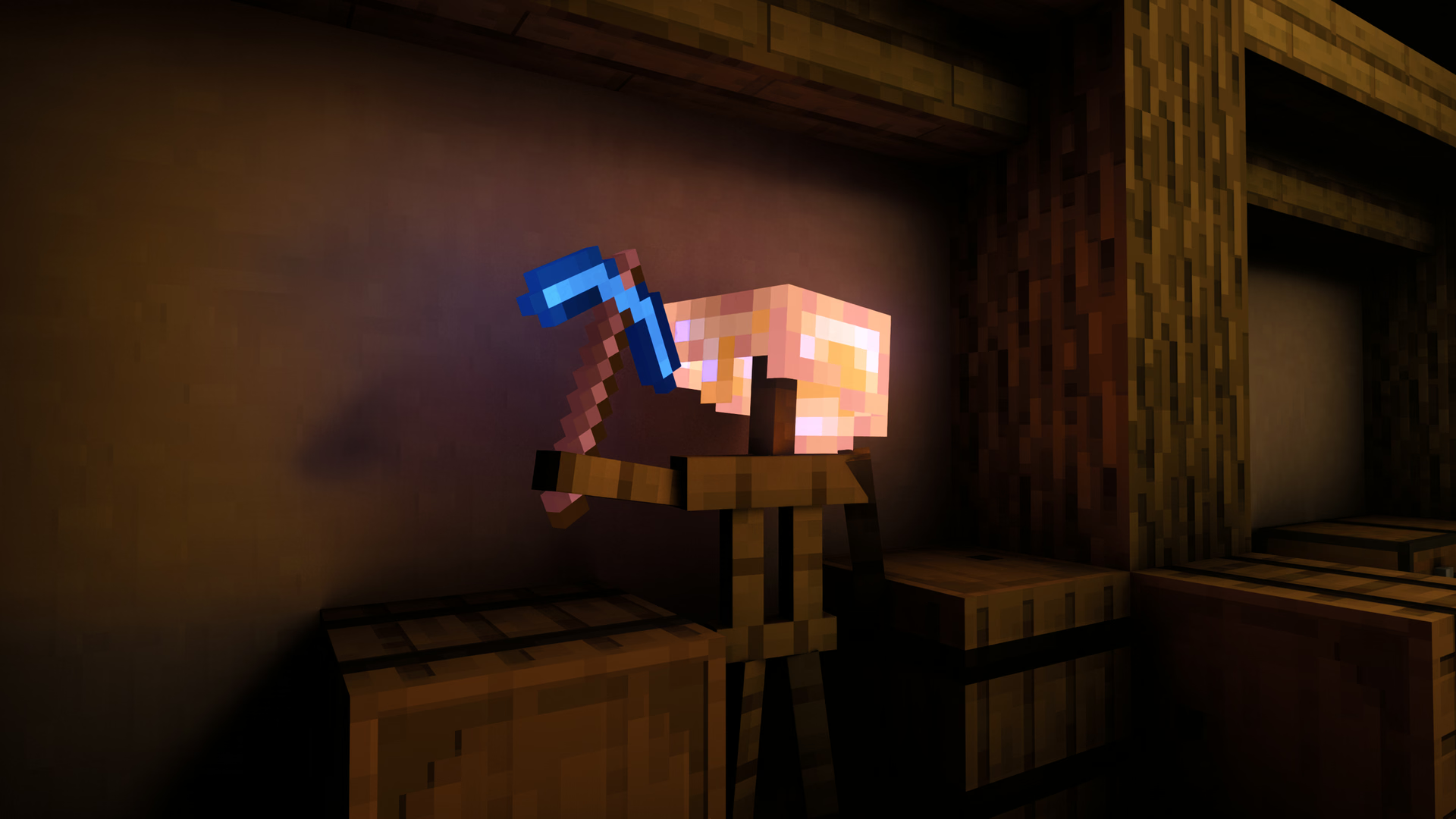
Mobs and items have no texture set in ray tracing, so their colour texture's alpha channel does the job of a MER's emissive channel. The lower the alpha, the stronger the glow.

The inverse alpha rule

Optional

Lower a pixel's alpha to make it glow.

Alpha 255
No glow
Alpha 254 to 130
Glows, as a MER emissive value of 255 minus the alpha (1 to 125)
Alpha 129 and below
No glow

Tint masks are left alone

Automatic

Where alpha is a tint mask, it isn't read as glow. That covers items using tint, overlay or multi-texture rendering, and items with a non-white colour tint, so grass and firework charges stay unlit.

Held lights just work

Automatic

Anything glowing lights up the world from either hand: blocks through the emissive channel of their MER, items through the alpha rule above. There's nothing else to set up. As long as you have your PBR and emissive data set up correctly, the rest just works!

Entity PBR Uniform Override

Entities can't have a MER texture in ray tracing, but a single texel can stand in for one.

The corner texel

Optional

Set the last texel of an entity's texture (bottom right, which entity textures leave empty) to an alpha of exactly 1 out of 255. It stays invisible, and its colour becomes the MER of the whole entity. The inverse alpha rule still adds its glow on top.

Export with care: a tool that premultiplies or compresses alpha destroys the mark, and then nothing happens. Entity textures only, not items or blocks.

Red
Metalness (0-255)
Green
Emissive (0-255)
Blue
Roughness (0-255)
Alpha
Must be Exactly 1/255

No data means fully rough

Automatic

Mobs and items with nothing set are fully rough, the fallback material for all entities.

Leaves and foliage

Thin surfaces pass light when you give them a subsurface value.

Use the subsurface channel

Optional

Subsurface is the alpha channel of a block's MER (MERS). Alpha-tested blocks with a subsurface value let sunlight and point lights through, tinted by their colour, rather than blocking them. Each face a ray crosses dims it, so a canopy still darkens as layers stack.

Thin shells
A sprite with holes, mean alpha below 0.99, also passes light from emissives, the sky and bounce light

Dropped and held blocks follow

Automatic

Blocks rendered as entities scatter light just as placed ones do, read from the same MER. That relies on complete texture sets.

Any plant blockshape works (double-sided & single-sided)

Automatic

Both the double-sided cross shape and the older single-sided one (one quad per plane) render correctly. A single-sided plant seen from behind shows its texture mirrored.

Glass and empty texels

Translucent surfaces have a few rules of their own.

Mark empty texels

Optional

A fully transparent texel in a translucent texture normally still acts like a pane of glass. Give it one of the marker colours below and it's truly nothing: seen straight through, casting no shadow, on blocks and entities alike. On a glassy block's face, the block's far faces show through the hole.
For instance, Frogspawn's blank squares and Copper Grate's holes can take advantage of this.

0, 0, 0 at alpha 0
Empty
254, 254, 254 at alpha 0
Empty, for surfaces the game wrongly draws as glass, and texture packs usually prefer a bright color to keep it functionable outside of Supervanilla RTX
255, 255, 255 at alpha 0
Ordinary glass, so avoid it for empty texels

Matching panes join up

Automatic

Touching glass of the same look counts as one piece, with no planes between stacked panes or between a pane and a glass block. It compares the hue and opacity of the faces' sprites, so keep a block's and its pane's colours in step.

Glowing glass casts light

Optional

Give glass faces emission in their MER and bounce light picks it up as it passes through, the way portals and beacon cores light their surroundings.

Maps on glow frames

Put a glowing texel behind the map

Required

A map glows only if your glow item frame has emission at the point behind the middle of the map. A frame with no emission there leaves the map unlit.